Official UPI handle
We collect payments for our research subscriptions only through our SEBI-validated UPI handle.
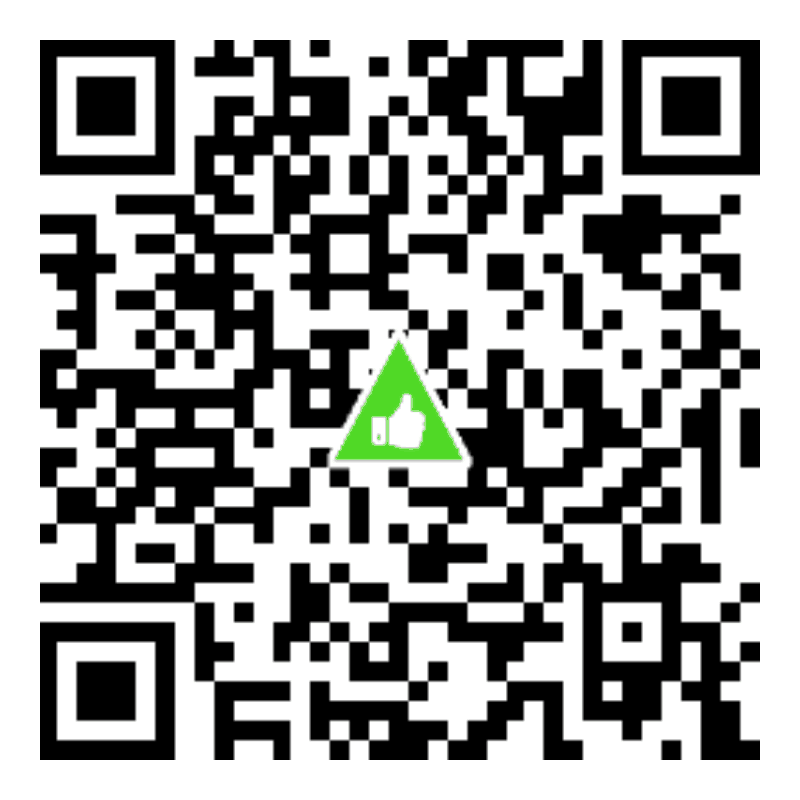
Our UPI ID eq.ra@validhdfc
In our UPI ID, .ra marks a SEBI-registered research analyst (EQSIS, registration no. INH200003000), and @validhdfc marks a handle validated under SEBI’s framework, held with HDFC Bank. When you pay us, your UPI app shows a thumbs-up inside a green triangle.
Subscribing? Start on our website
Please don’t subscribe by scanning this code or typing this UPI ID into your UPI app. A payment made that way has no order number, so we cannot match it to you and your service will not start on its own.
Our subscription page records your details, gives your payment an order number, and then takes you through KYC and the MITC agreement that SEBI requires.
How to subscribe
Read about the service
See what our intraday research service covers, how the calls reach you, and the plans and fees.
Enter your details
On the subscription page, choose a plan and give your name, email address and mobile number.
Pay by UPI
The payment page gives you a QR code, or a button that opens your UPI app, with your order number and the exact amount built in. Before you enter your UPI PIN, check that the payee is eq.ra@validhdfc and that the green thumbs-up appears.
Complete KYC and sign the MITC
After payment, give your PAN and address (about two minutes), then sign the MITC document we email you. Your service starts once you sign.
Check before you pay
- The UPI ID is exactly eq.ra@validhdfc. Look out for IDs that change a letter or leave out “valid”.
- Your UPI app shows a thumbs-up inside a green triangle for validated handles like ours. If you don’t see it, don’t pay.
- Verify us on SEBI Check: enter our UPI ID or upload a photo of our QR code.
- Never share your UPI PIN or any OTP with anyone, including someone who says they are from EQSIS. For a research subscription we never ask you to pay a personal UPI ID or a phone number. If anyone does in our name, don’t pay, and tell us at info@eqsis.com.
Questions
What is a SEBI-validated UPI handle?
From 1 October 2025, SEBI requires registered intermediaries that collect payments from investors by UPI to use a validated UPI ID. It ends in @valid followed by the bank’s name, and carries a code for the type of intermediary: for research analysts the code is .ra. When you pay a validated handle, your UPI app shows a thumbs-up inside a green triangle.
Can I subscribe by scanning the QR code on this page?
Please don’t. The code is here so you can recognise and verify our handle. It carries no amount and no order number, so a payment made with it cannot be matched to a subscription. Subscribe on our subscription page instead: it gives your payment an order number, and your service starts after KYC and MITC signing.
How do I check that a UPI ID belongs to EQSIS?
Use SEBI Check on SEBI’s website, or in SEBI’s Saarthi app. Enter the UPI ID, or upload a photo of the QR code, to confirm that it is a verified UPI ID of a SEBI-registered intermediary.
I already paid by scanning the code. What should I do?
Write to info@eqsis.com with your UPI transaction ID (UTR), the date, the amount and the UPI ID you paid from, so we can trace the payment and contact you.